 On the App Store
Newsworthy
World news. One reading.
Newsworthy rates world news by significance: a score from 1 to 10, one brief sentence and an update time, with the past week's developments below.

Scan with your iPhone camera to get Newsworthy.
How it works.
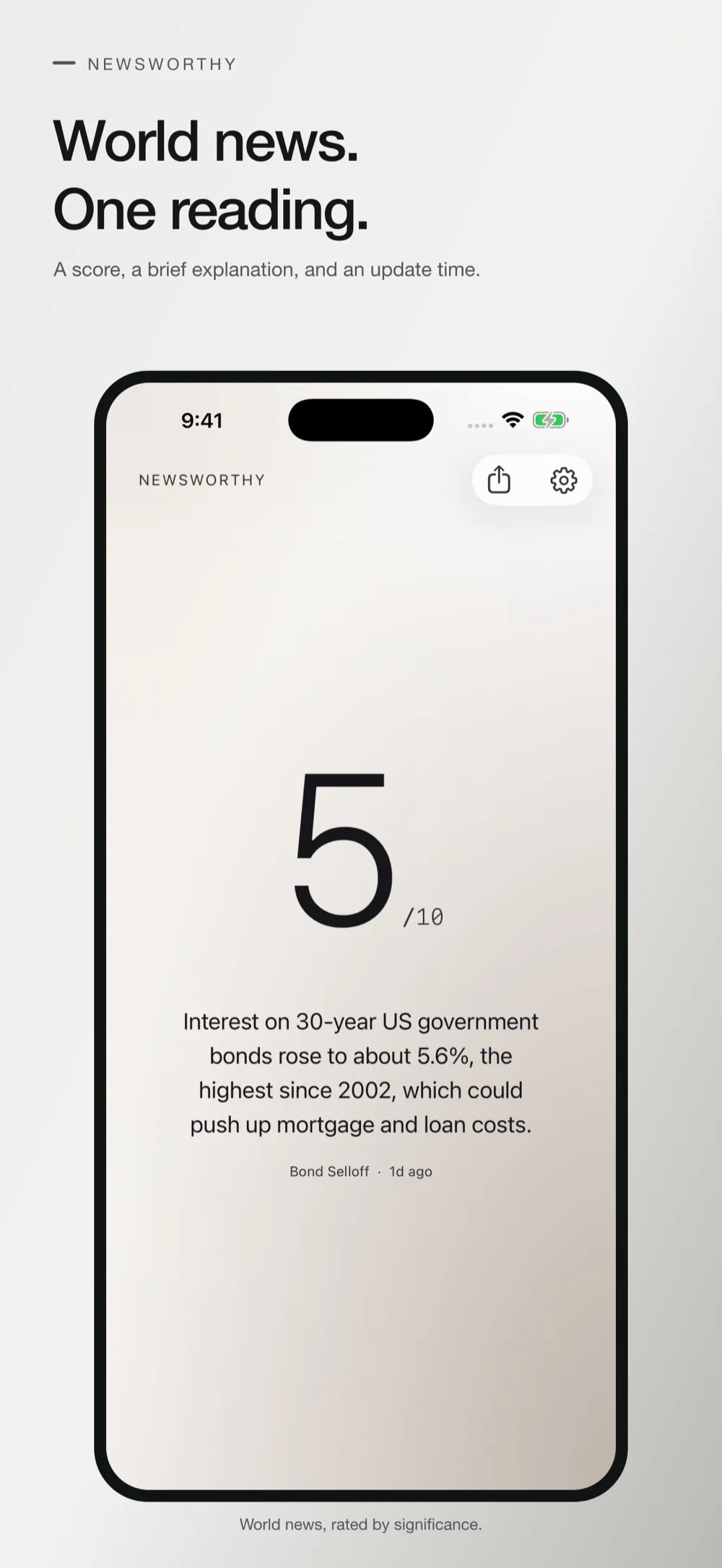
A score and one sentence
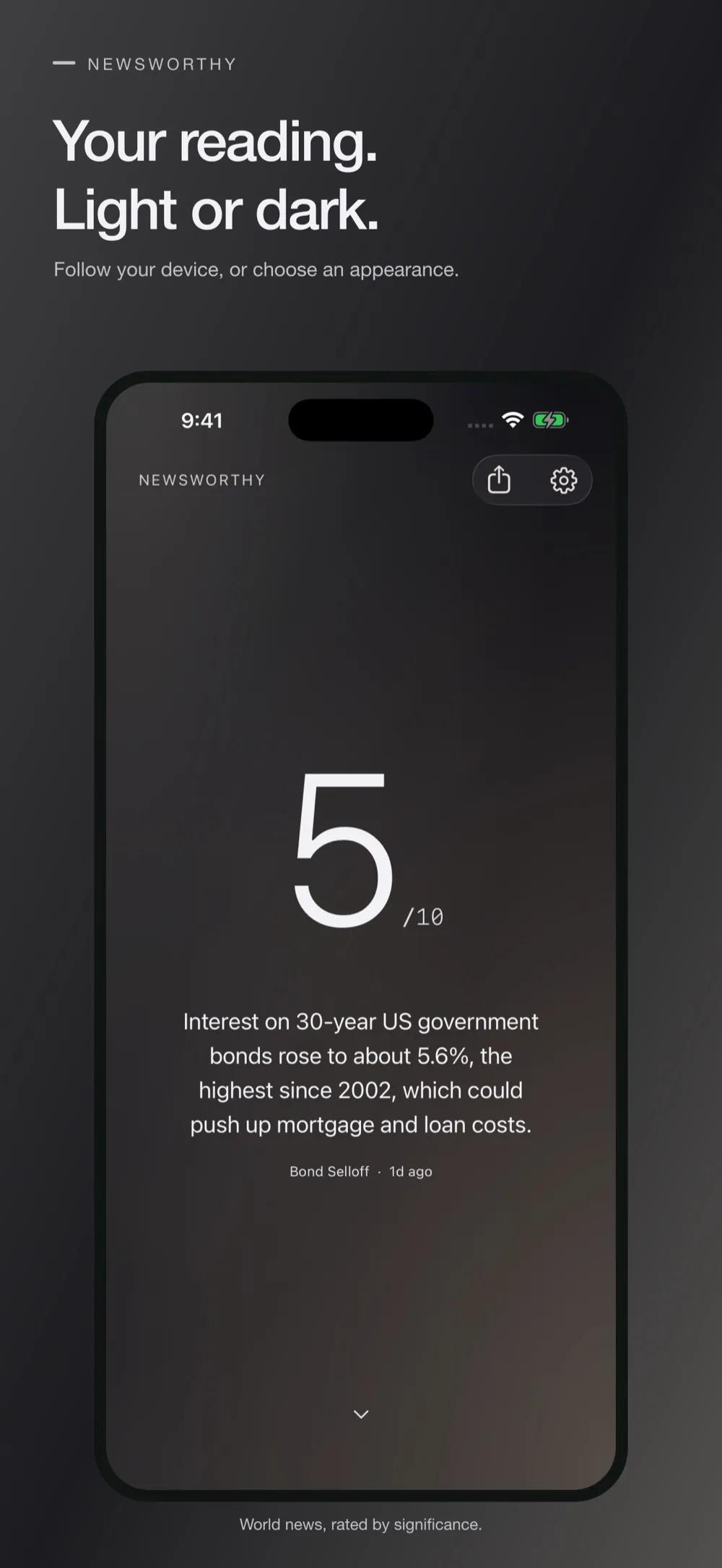
Each reading has a score from 1 to 10, a brief explanation and an update time. Higher scores mean more consequential developments, and the score fades as they age.
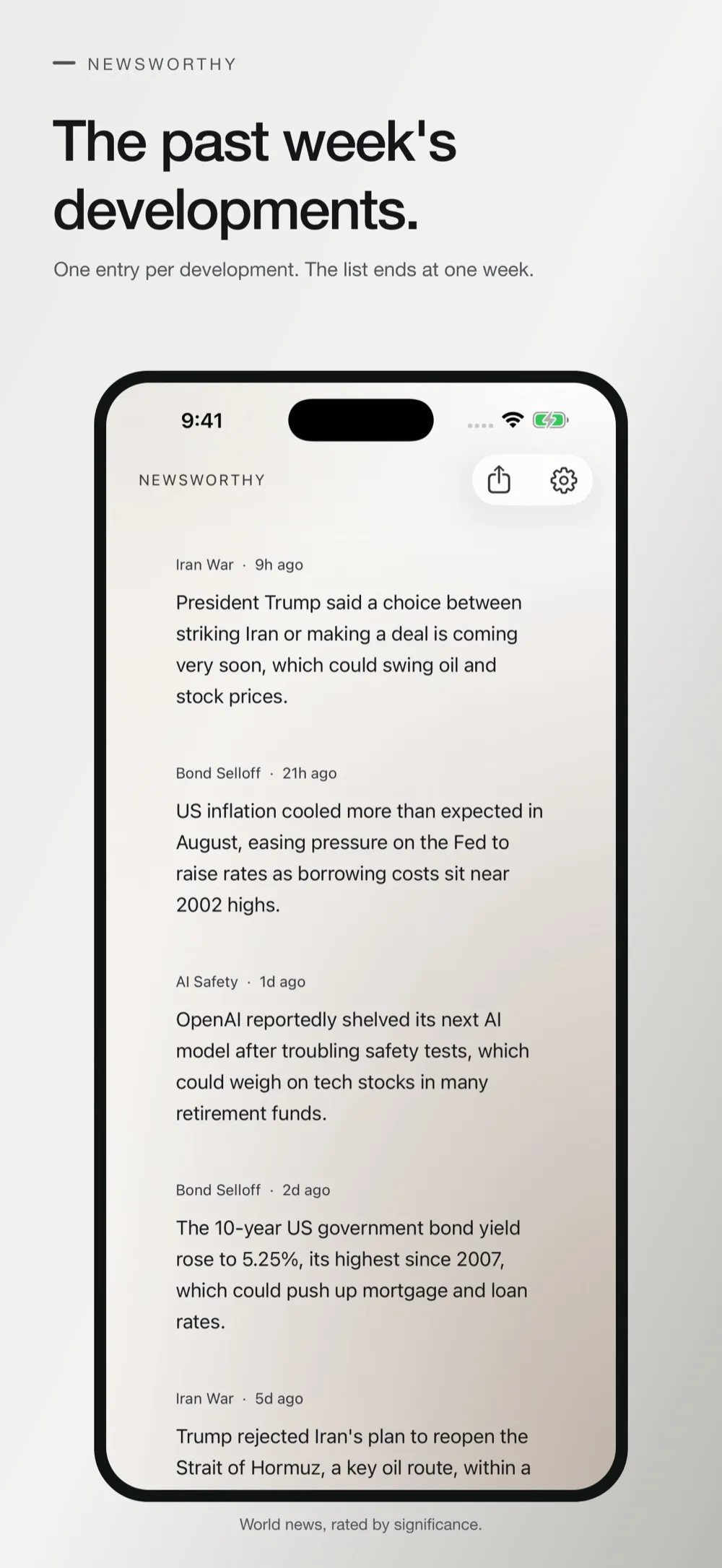
The past week, in one list
Below the reading, one entry for each development from the past week, with its story and how long ago it broke. Settings can hide it.
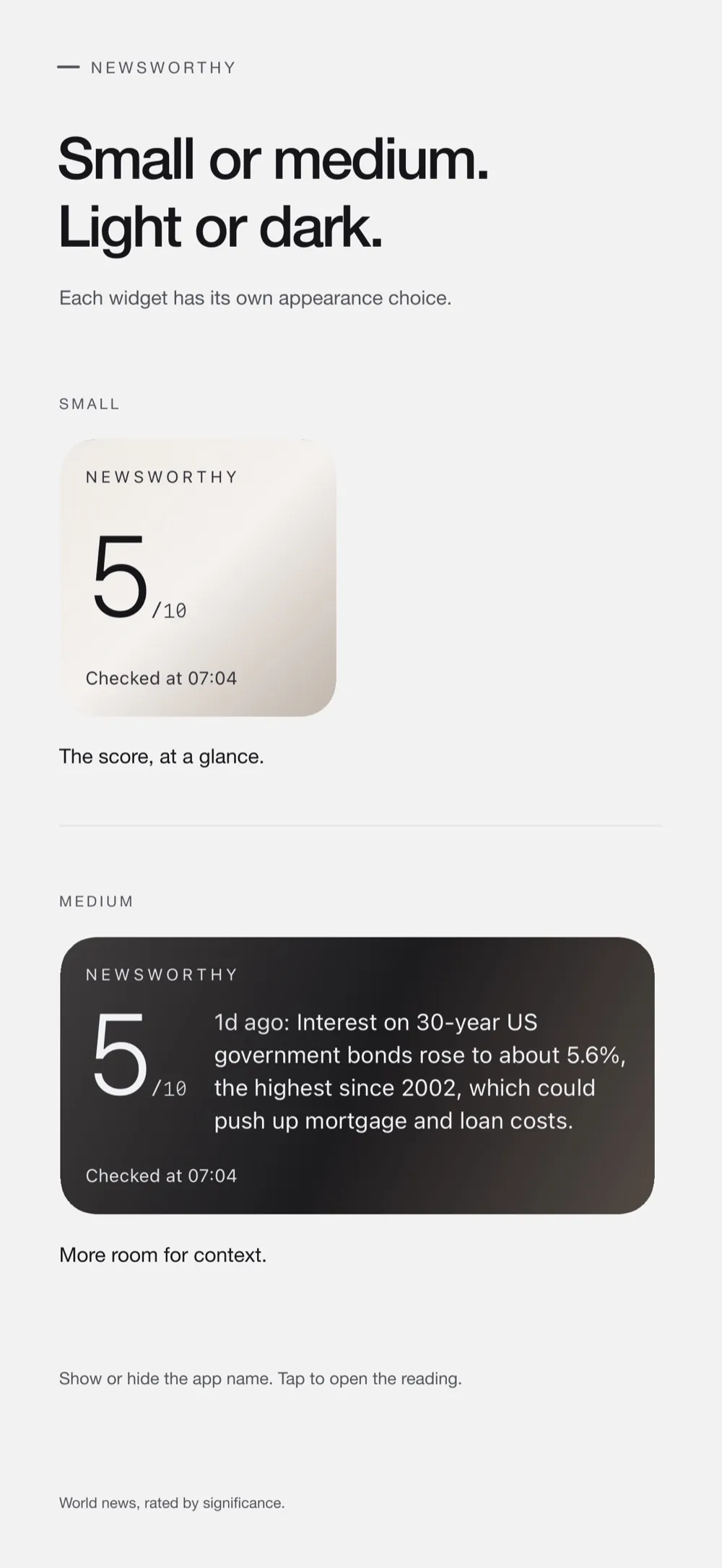
Home Screen widgets
Small and medium widgets show the reading and when it was last checked. Each has its own setting: Follow device, Light or Dark.
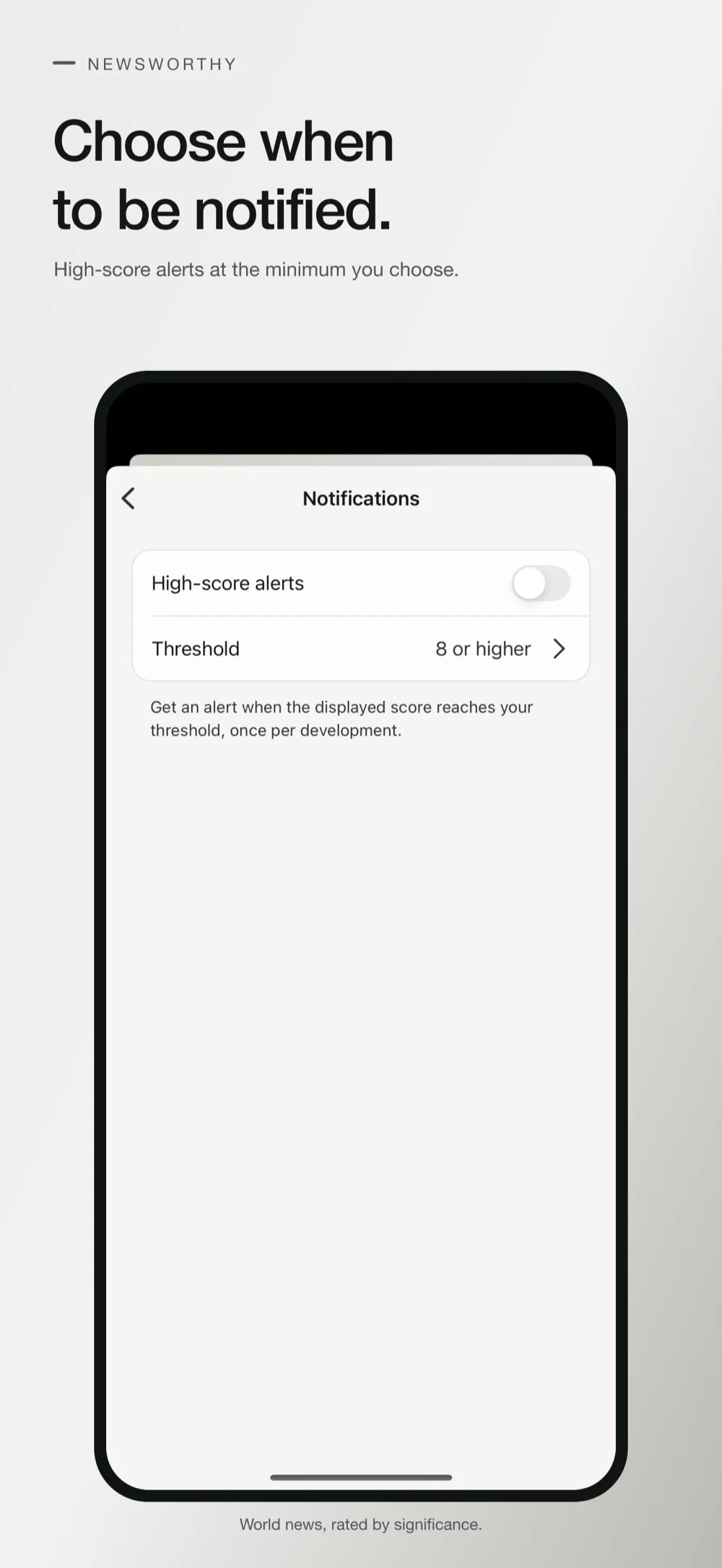
Alerts at your chosen score
Notifications are off by default. Turn them on, choose the minimum score you want to hear about, and skip repeat alerts for routine updates.
Your last reading, offline
After an online launch, the last downloaded reading stays available offline with its original timestamp. Share it from the share sheet.
- No subscription
- No ads
- No account needed
Ratings can be wrong. Newsworthy provides general news context, not a complete briefing, an emergency alert or a measure of personal safety.
Good questions
Is there a subscription?
No. Newsworthy is a one-time purchase that helps offset the cost of running the service. There are no subscriptions, in-app purchases or ads, and no account or login.
How often does the reading update?
Readings update periodically, and saved readings may be outdated, so check the displayed update time. Widget refresh timing is controlled by your device.
Is it an emergency alert service?
No. Newsworthy provides general news context, not a complete briefing, an emergency alert or a measure of personal safety. Ratings can be wrong.
Can I see how big the news is today without the app?
Yes. The page “How big is the news today?” at newsworthy-indol.vercel.app/today shows the current rating, a chart of each day’s high with the sentence behind it, and a page for every day. Its badge and card can be embedded on any site, and the daily figures are free to use with a link back. The app adds Home Screen widgets.
Guides
- How to tell how old a news story is before you share itOld articles resurface as if they were new. Where to find a story's real date, why the date in search results is an estimate, and three checks before you share.
- How to follow news with an RSS feed readerWhat an RSS feed is, how to find one on a news site, how to add it to a feed reader, why items arrive late, and the feed of Newsworthy's daily rating.
- How to follow a developing news storyWhat "developing" means, how to tell a new development from an update to the same one, which times to check, and how Newsworthy labels stories and developments.
- How to read a news significance score from 1 to 10What makes a news development significant, and how to read Newsworthy's score, its sentence and its update time without overreading a single number.
- Why a news widget shows an old story, and what to doHome Screen widgets reload on the phone's schedule, not the app's. How to tell how old a news widget is, why it falls behind, and what actually helps.
- Newsworthy press kitFacts, the icon, screenshots and a contact for anyone writing about Newsworthy: Calm News, which rates world news by significance on iPhone and iPad.
- How to add a news widget to a website, no script neededThe three kinds of news embed (script, frame and image), what each one does to your page and your readers, what to check first, and Newsworthy's free badge and card.
- How to get news notifications for major stories onlyThe iPhone settings that decide which news notifications reach you, what to look for inside a news app, and how Newsworthy's minimum-score setting works.
- How to add a news widget to your iPhone Home ScreenSteps for adding and editing a news widget on iPhone, what to check before you choose one, and what Newsworthy's small and medium widgets show.

Get Newsworthy today.
World news, scored 1 to 10.


