 On the App Store
Importron
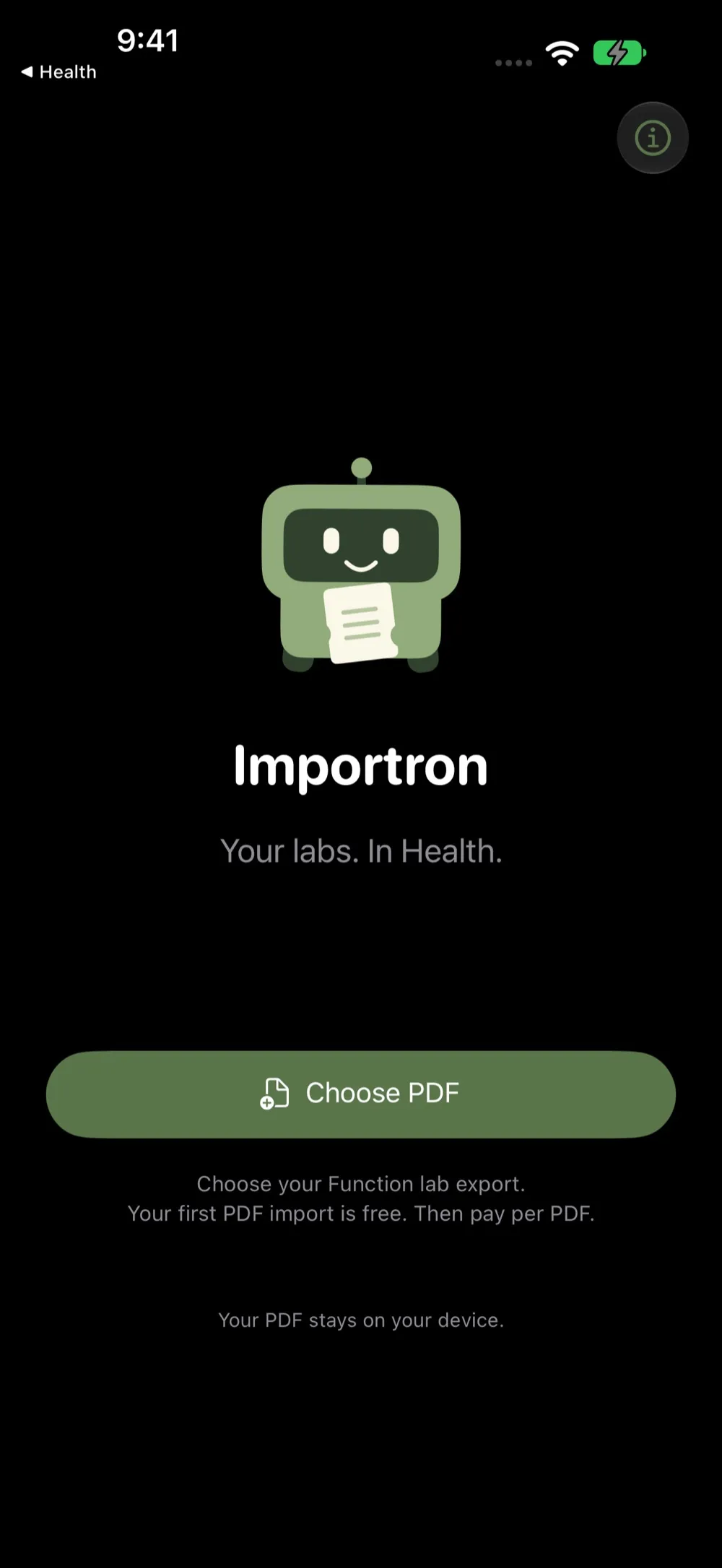
Your labs. In Health.
Importron reads the Lab Results of Record PDF from your Function export and prepares your results for Apple Health. Review every value, then add only what's new.

Scan with your iPhone camera to get Importron.
How it works.
Bring your PDF
Choose your Lab Results of Record PDF from Files, or share it to Importron.
Review before you add
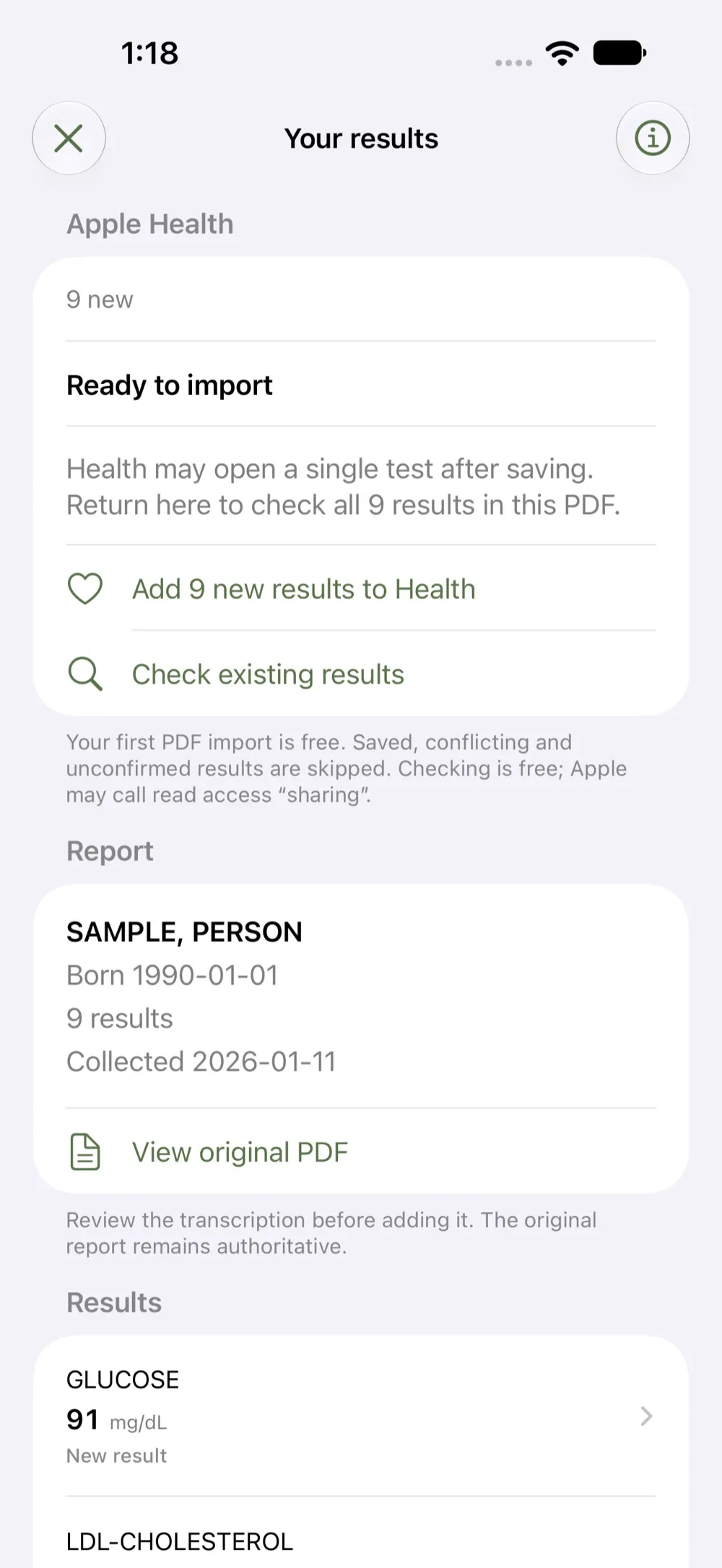
Check the patient, collection dates, results, units and reference ranges, with the original PDF alongside the transcription.
Only what's new
See which results are already saved, new or conflicting. Importron adds only new results in the Health app; existing records stay unchanged.
Stays on your iPhone
Your report is processed on your iPhone. No account, no advertising, no AI extraction service and no lab-data upload to an Importron server.
Stops when unsure
Unrecognized or ambiguous results stop the import so you can check the original.
- Processed on your iPhone
- No account
- No subscription
Importron is an independent transcription utility, not affiliated with Function Health or Apple. It does not interpret results or provide medical advice.
Good questions
What does it cost?
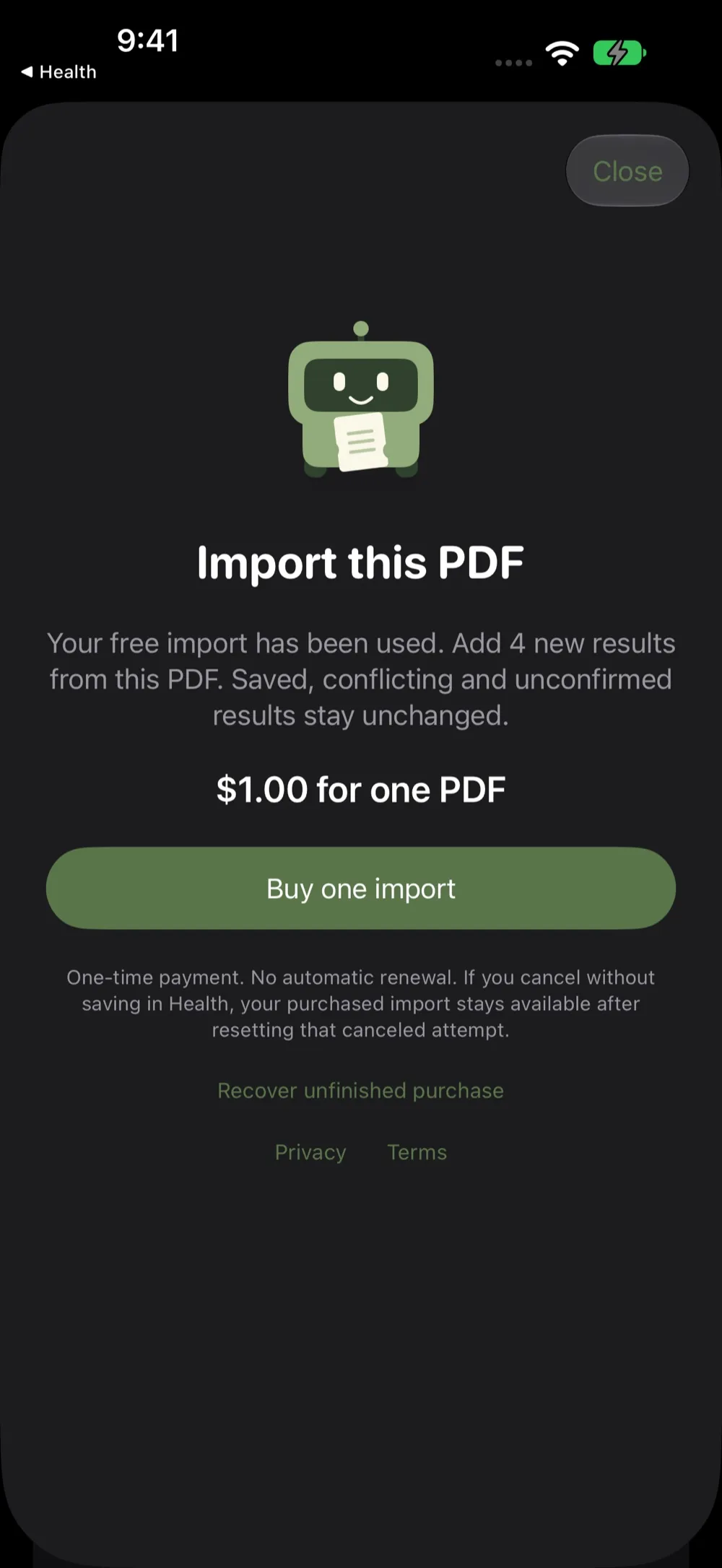
Your first PDF import is free, once. Additional imports are one-time purchases of US $1.00 per PDF, with local pricing shown before purchase. There is no subscription, and reviewing PDFs and checking existing Health records are always free.
Which reports does it read?
The text-based Health Gorilla Lab Results of Record layout in a Function export. Scans and other layouts are not supported.
Is it medical advice?
No. Importron transcribes your report; it does not interpret results or provide medical advice. Always review the transcription before adding it.
Why does Health open just one test?
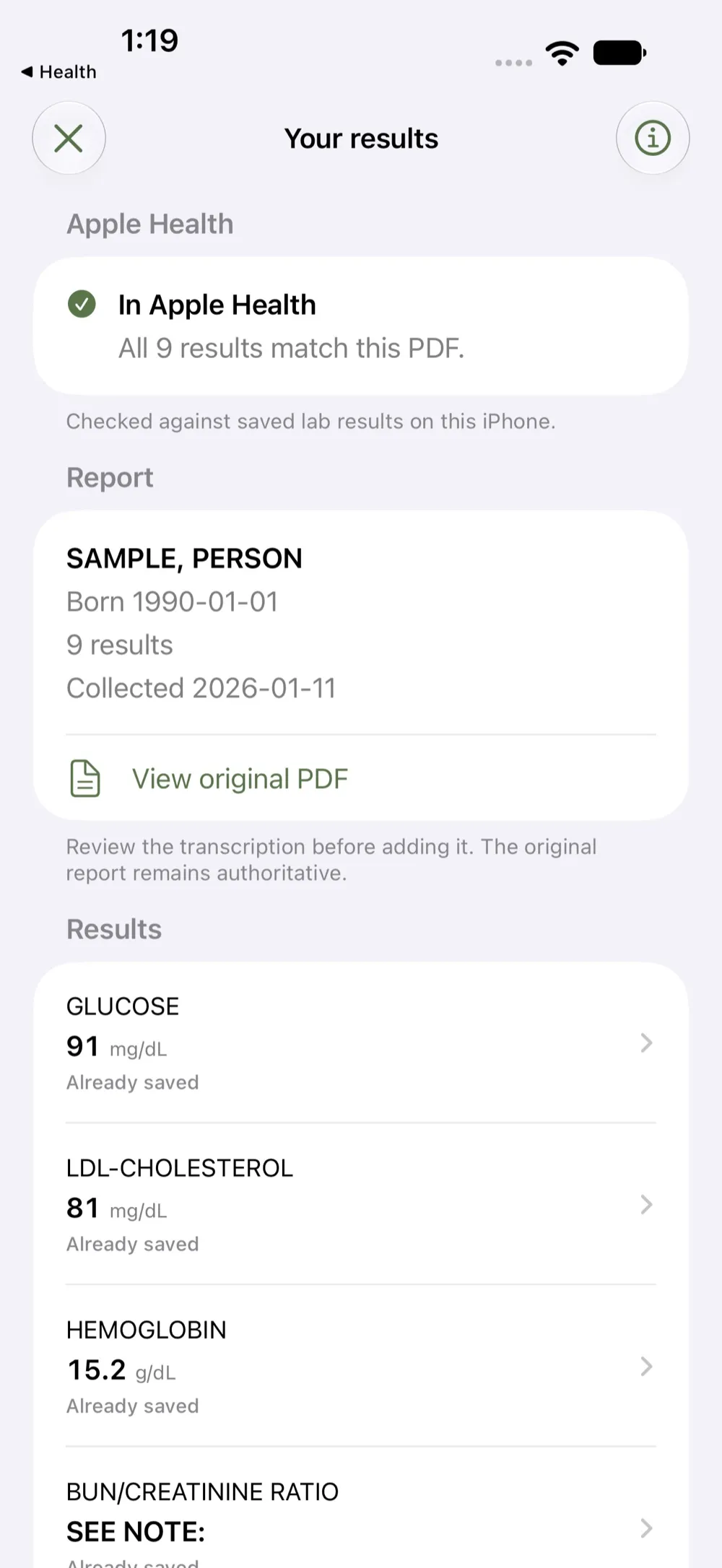
Health may open an individual test after saving. Return to Importron to check the whole report. The app confirms success only when every result matches your PDF.
Guides
- How to keep lab results in Apple Health on a new iPhoneHow Health data moves to a new iPhone through iCloud or an encrypted backup, what to check before you switch, and why to keep the original lab PDFs too.
- How to share lab results from Apple HealthApple Health's ways to share lab results with a person, a provider or an app, and how to export everything, with what each way sends and how to stop it.
- How to get lab results from a PDF into Apple HealthWhat Apple Health can pull in by itself, what it cannot do with a PDF, how typing a value in by hand works, and where a transcription tool fits.
- Lab or clinic not listed in Apple Health Records?Why a lab, clinic or hospital can be missing from the Health app's Health Records list, how to search it properly, and what to do with your results meanwhile.
- How to avoid duplicate lab results in Apple HealthLab results can reach Apple Health by more than one route. Check what is already saved before you add anything, and know how to remove a record you added.
- Where does your lab data go? Check before you importA short checklist for any tool that reads a lab report or writes to Apple Health, using what the App Store and your iPhone already show you.
- Importron press kitFacts, the icon, screenshots and a contact for anyone writing about Importron, which prepares lab results from a PDF for Apple Health on iPhone.

Get Importron today.
Your labs. In Health..


